Independent BitChat guide
Does BitChat Work Offline? Mesh vs Internet Features
Published · Last verified · By BitChat Guide editorial team
The short answer is yes, for nearby mesh communication—but not every current BitChat feature is offline.
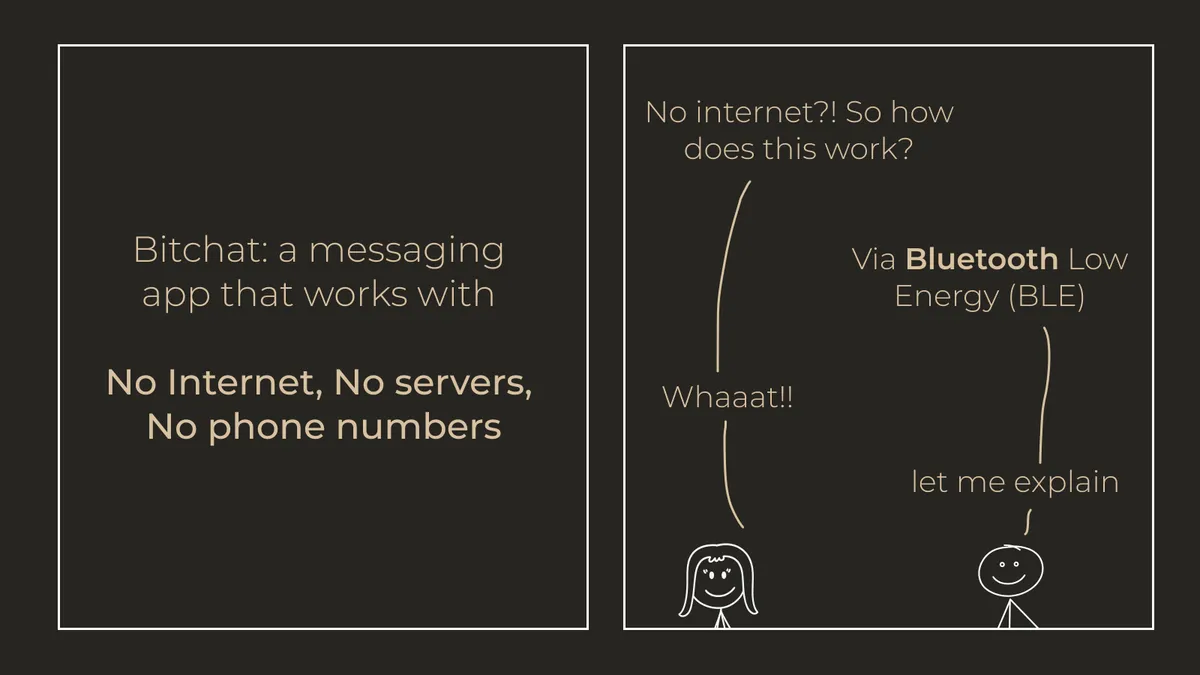
BitChat’s local path lets nearby devices discover one another and relay public chat using Bluetooth. It does not require a SIM card, Wi-Fi connection, or mobile-data service for that path. Current platform versions can also include internet-assisted features, including Nostr-based capabilities; those stop working when the device is fully offline.
What “offline” means here
Offline does not mean a message can reach any BitChat user anywhere. It means participating devices form a local radio network:
- Two nearby devices discover each other over Bluetooth.
- A message can travel directly when the recipient is in range.
- Additional participating devices may relay traffic beyond a single direct link.
- If there is no usable path of nearby devices, the local message cannot cross that gap.
Range is not a fixed product specification. Device radios, OS background limits, permissions, walls, interference, orientation, and the number of active peers all affect the result.
Nearby mesh vs internet-assisted features
| Capability | Internet required? | Important limitation |
|---|---|---|
| Nearby public mesh chat | No | Needs compatible nearby devices and Bluetooth permissions |
| Multi-device relay | No | Needs a connected chain of participating devices |
| App download and updates | Yes | Requires App Store, Google Play, or GitHub access |
| Internet-relay features | Yes | Availability and behavior vary by platform release |
Because platform behavior evolves, use the current iOS repository or Android repository as the primary source for your installed release.
How to test BitChat without fooling yourself
An “offline test” should turn off both Wi-Fi and mobile data on every participating phone—not merely disconnect from one Wi-Fi network. Record:
- device model and OS version;
- exact BitChat version;
- Bluetooth and nearby-device permissions;
- whether battery optimization or background limits are active;
- physical spacing, walls, and interference;
- direct vs relayed message path;
- failed attempts as well as successful ones.
Start with two devices close together. After confirming direct communication, add a third device and change only one variable at a time. This produces more useful evidence than quoting a single best-case distance.
Is it an emergency replacement?
BitChat can be a useful additional local channel when conventional service is congested or unavailable. It is not a substitute for emergency services, satellite communication, radios, or a documented group plan. A mesh only helps when enough compatible devices are present, powered, permitted to run, and physically connected by radio range.
Download from verified sources
Use the current download and version page. On Android, confirm the Google Play package is com.bitchat.droid; for APK sideloading, use only assets attached to the official Android releases and compare the published digest.